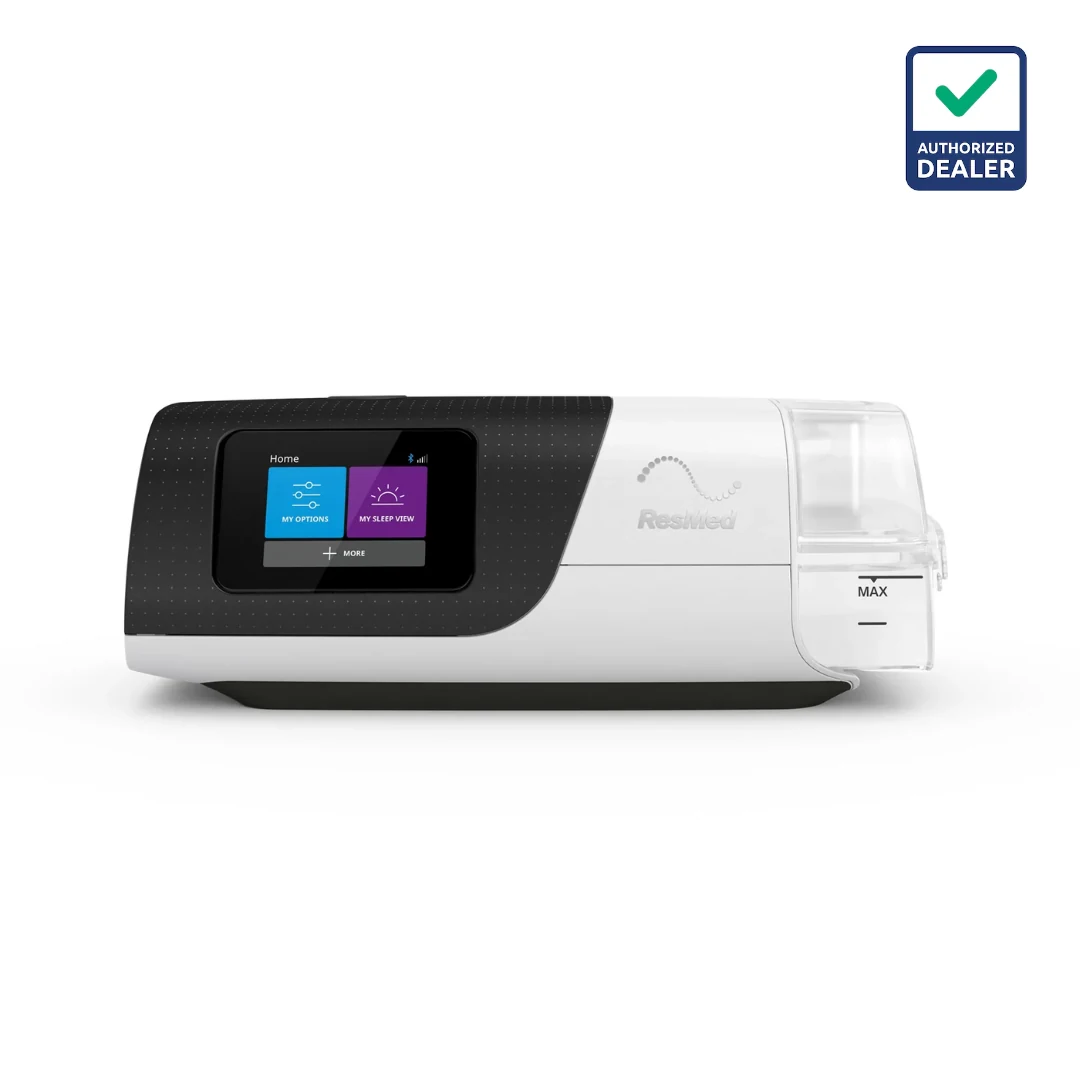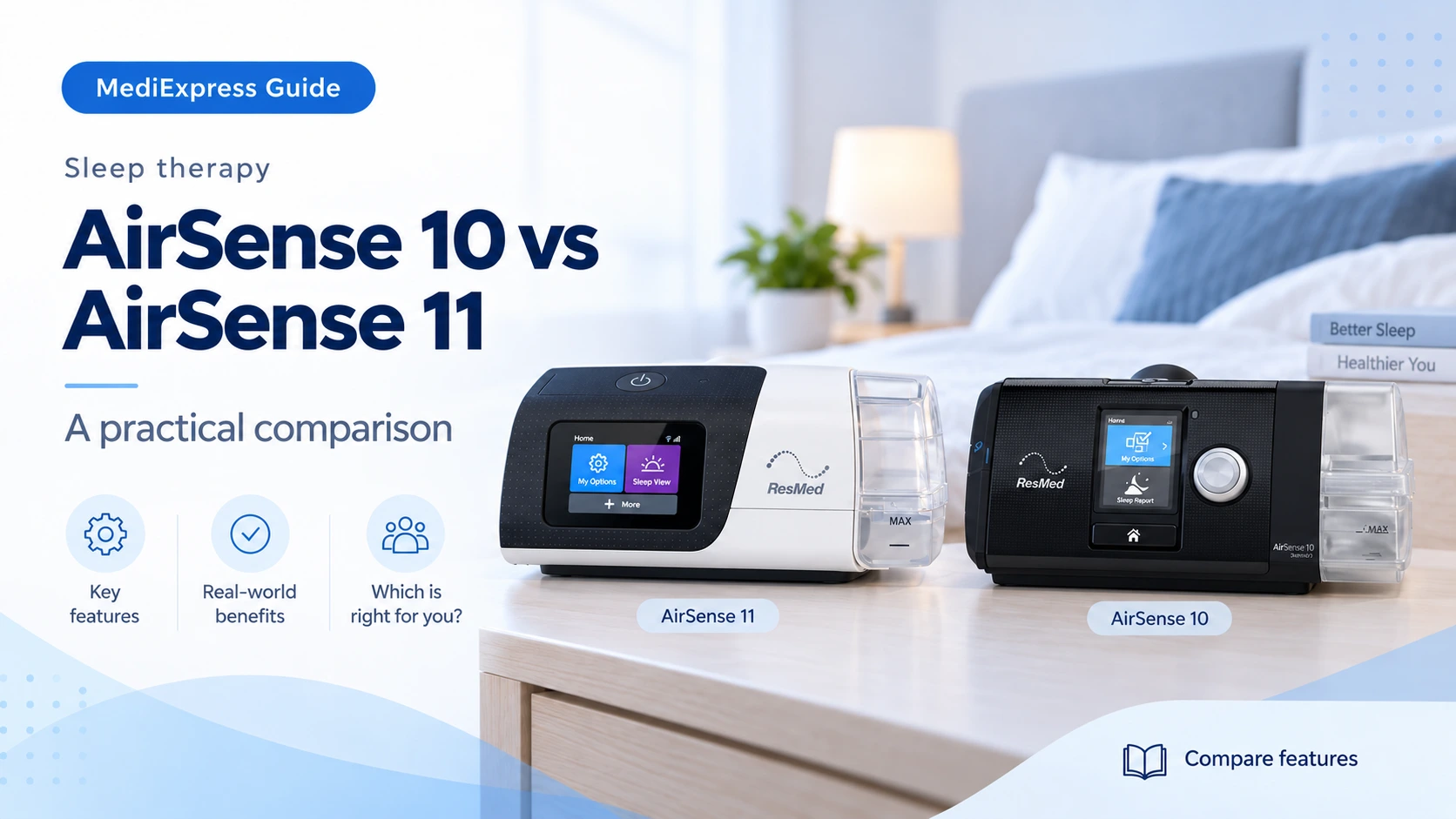
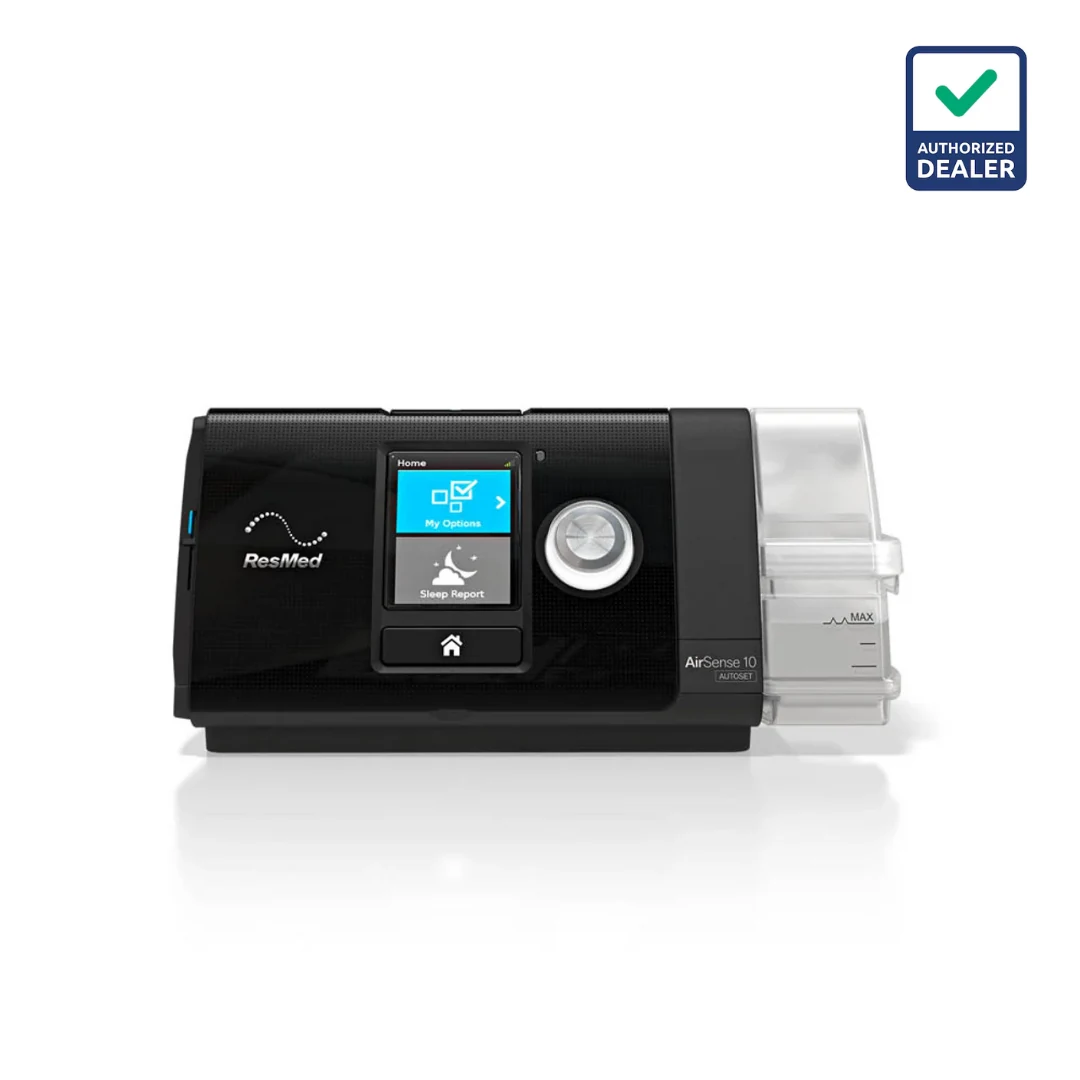
| Feature | AirSense 10 AutoSet | AirSense 11 AutoSet |
|---|---|---|
| Controls | Display and dial | Touchscreen |
| Humidifier family | HumidAir | HumidAir 11 |
| Price & package | Confirm your quotation | Confirm your quotation |
01Start with controls and familiarity
AirSense 11 uses a touchscreen. AirSense 10 has a colour display with a control dial. If you are helping a family member, consider which interface they find easier to operate during setup and routine checks.
02Treat accessories as generation-specific
AirSense 11 uses HumidAir 11 and ClimateLineAir 11 components. Check the exact parts for AirSense 10 separately. Do not assume an existing tub or heated tube will transfer when you change machines.
03Compare the quoted bundle
A product-family name does not tell you which mask, tubing or service is included. Ask for the same accessory specification in both quotes and confirm whether the offered device has the required connectivity.
04Upgrade for a reason
Discuss any therapy concern with your clinician before replacing a working device. An upgrade decision may depend on controls, service history, parts availability and your support needs, rather than model age alone.
05Compare the cost of a complete changeover
If you already own an AirSense 10, list what you expect to reuse before requesting an AirSense 11 quote. Have the supplier check every item by part number: heated tube, humidifier tub, power supply, filter and travel accessories. Do not assume that a connector that looks similar is compatible. A like-for-like quotation should also state the mask and size, the regional device variant and the scope of setup assistance. This avoids comparing a machine-only price with a complete package.
- Make a keep-or-replace list for existing accessories.
- Ask for the full regional model designation.
- Confirm warranty and service terms for the offered unit.
06Try the routine that matters to you
A useful demonstration is more than a tour of menus. Ask to see the start control, the user-accessible comfort options, the water-tub removal and the route to a sleep report. If someone else helps with cleaning or setup, let them try those steps too. Choose based on the tasks you will actually perform. Neither a touchscreen nor a dial is automatically the better choice for every person; familiarity, visibility and confidence with the controls all matter.
Sources & further reading
Use the current product instructions for the exact model and region.
Equipment education does not replace clinical advice. Your care team determines appropriate testing, therapy and settings.