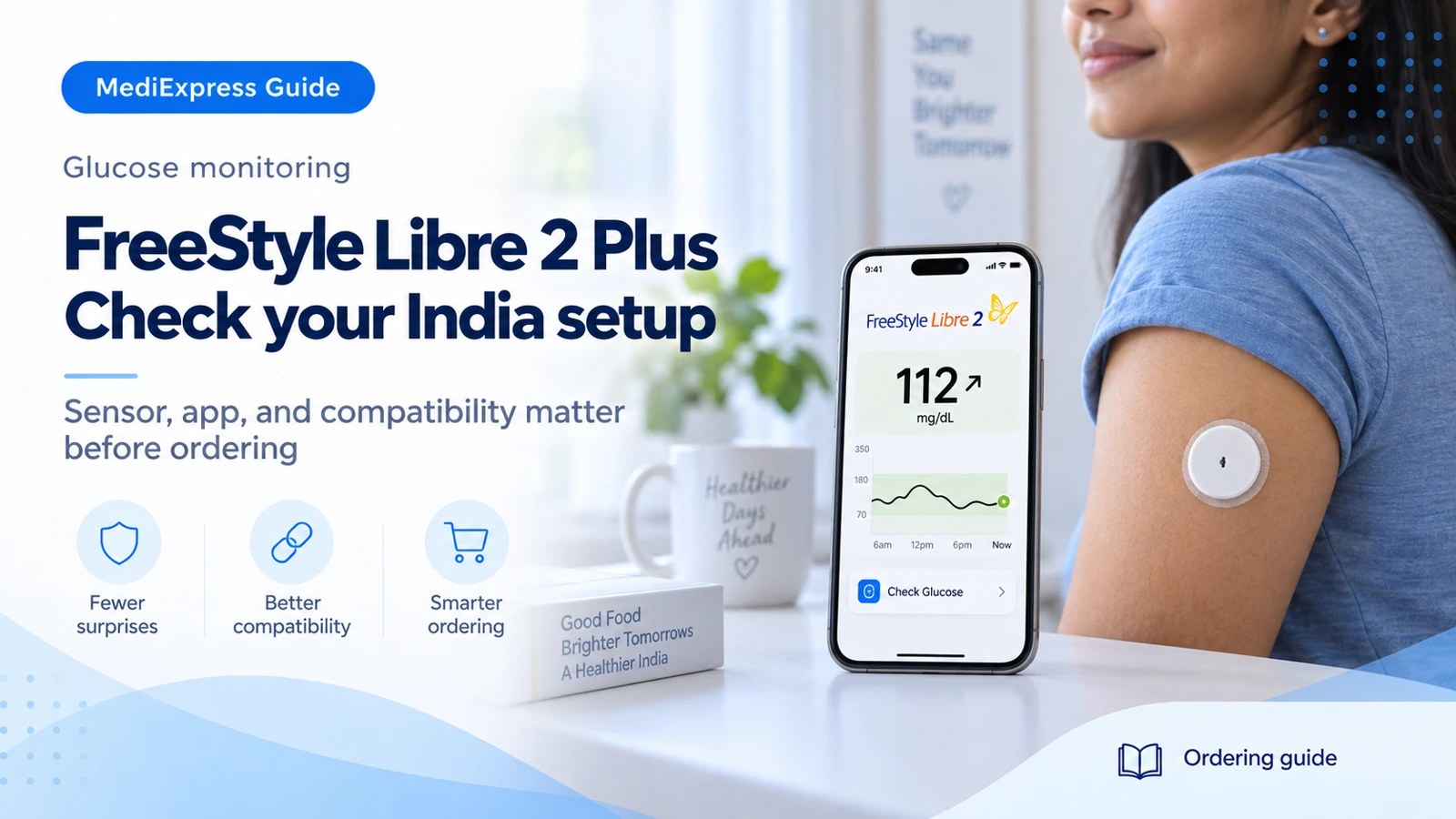
FreeStyle Libre 2 Plus sensor wear duration.
Manufacturer details ↗Glucose readings sent to a compatible smartphone, per Abbott India.
Manufacturer details ↗01Know the exact product
Abbott’s India information describes FreeStyle Libre 2 Plus as a 15-day sensor with glucose readings sent every minute to a compatible smartphone. This is different from assuming all FreeStyle Libre sensors have identical features.
02Check the phone first
Check Abbott’s current India compatibility list for the phone model and operating system you will use. App availability, Bluetooth, NFC and notification permissions should be checked before sensor setup.
03Follow the application instructions
Read the instructions supplied with the exact sensor and follow Abbott’s placement, preparation and startup guidance. Ask the equipment team for help locating the official setup resources rather than following a video for a different model.
04Use readings within your care plan
Follow the product instructions when readings do not match symptoms or expectations. A blood glucose check may be required. Discuss trends with your clinician; do not use this product page to change medication or interpret an individual value.
05Check the generation on every order
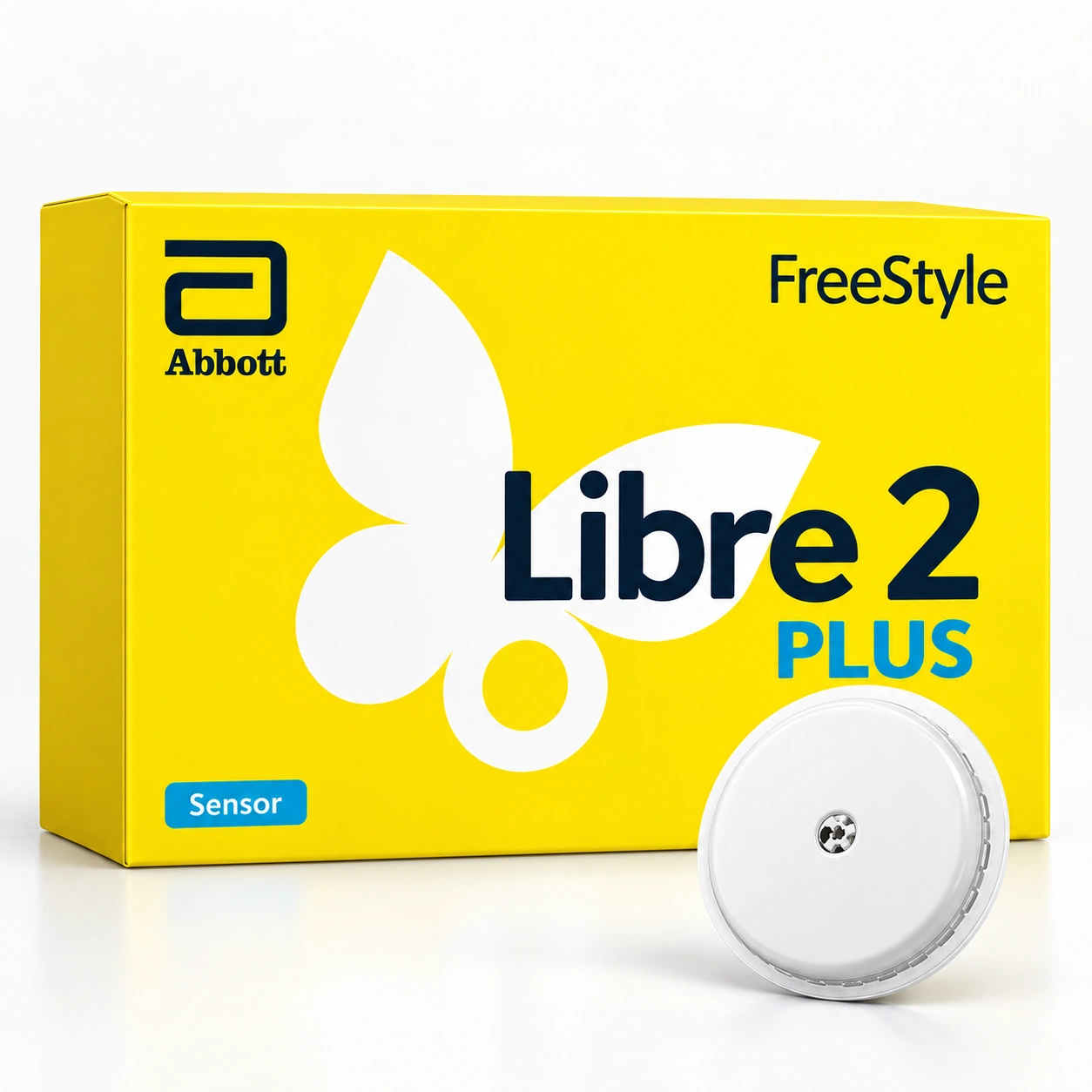
FreeStyle Libre, Libre 2 and Libre 2 Plus are not interchangeable names. Match the full sensor name, country-specific packaging and supported app or reader before you pay. A photograph of a similar box is not sufficient confirmation. If you are ordering for a parent, check the phone they will actually use rather than your own. Ask the supplier to identify the official India setup resources and the route for product support.
- Read the full product name on the quotation.
- Check the phone model and operating-system version.
- Confirm local support details and the supplied pack quantity.
06Plan the everyday routine around the instructions
Keep the supplied application and startup instructions, and check the manufacturer’s guidance for bathing, activity and device removal. Ask how to share records with your clinician and how to recognise a connection or notification problem on your phone. Do not use screenshots from another country to infer the features of your system. If you have symptoms that do not agree with the displayed reading, follow the product instructions and your clinician’s plan rather than waiting for an app graphic to change.
Sources & further reading
Use the current product instructions for the exact model and region.
Equipment education does not replace clinical advice. Your care team determines appropriate testing, therapy and settings.